
How I build with WordPress
I am a developer in Leeuwarden and WordPress is what I build with most. This site runs on it too. This is how I go about it: a theme of its own, no page builder, and an admin someone else can carry on with.
- WordPress
- Leeuwarden, NL
- 2 projects
What I look after
Six things that come back in every theme.
-
A theme of its own
No ready-made theme with a page builder on top, but code that does exactly what the site needs. Tailwind for the styling, Alpine.js for interaction, and motion only where it adds something.
-
An admin that follows the content
Fields and layouts shaped after the content, so an editor puts pages together without breaking the design.
-
Speed from the start
Light pages, images in the right format and no script that does nothing. This site is built the same way.
-
Accessible and responsive
It has to work on a phone, with a keyboard and with a screen reader, not only on my own screen.
-
WordPress as the backend
Sometimes WordPress is only the admin, with a frontend in Next.js in front of it. Oursondenaissance works that way, with WooCommerce behind it.
-
Code someone else can read
A clear structure and readable code, so the next developer does not have to guess.
How is this theme put together?
This site is the example. The theme is made of plain PHP templates with a separate part per section, with no page builder and no jQuery. The styling comes from Tailwind and is built with Vite into one stylesheet of 18 kB (gzipped). The script is 42 kB, with Alpine.js for interaction and Motion for movement. The fonts sit on the site's own server.
The content lives in fields per kind of page: a project page has other fields than the homepage or a blog post. Those field groups are kept as JSON in the theme, so they are under version control, like the code. Whoever runs the site sees, per page, only the fields that do something there.
A change goes through Git. After a push GitHub Actions builds the theme and puts it on the server, in about forty seconds. The site is in two languages, English and Dutch, where every translation is a page of its own with its own fields.
- 18 kB
- 42 kB
- 0
- 40 s
Built with WordPress
Projects I made the theme and the admin for.
-
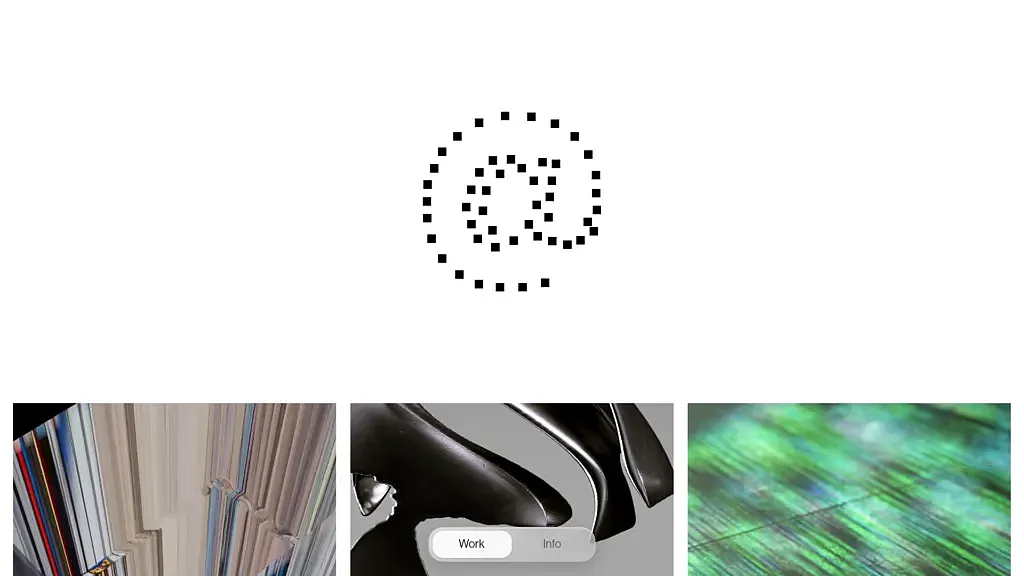
Thijsveldwisch Alpine.js · GSAP · PHP · Tailwind · WordPress
-
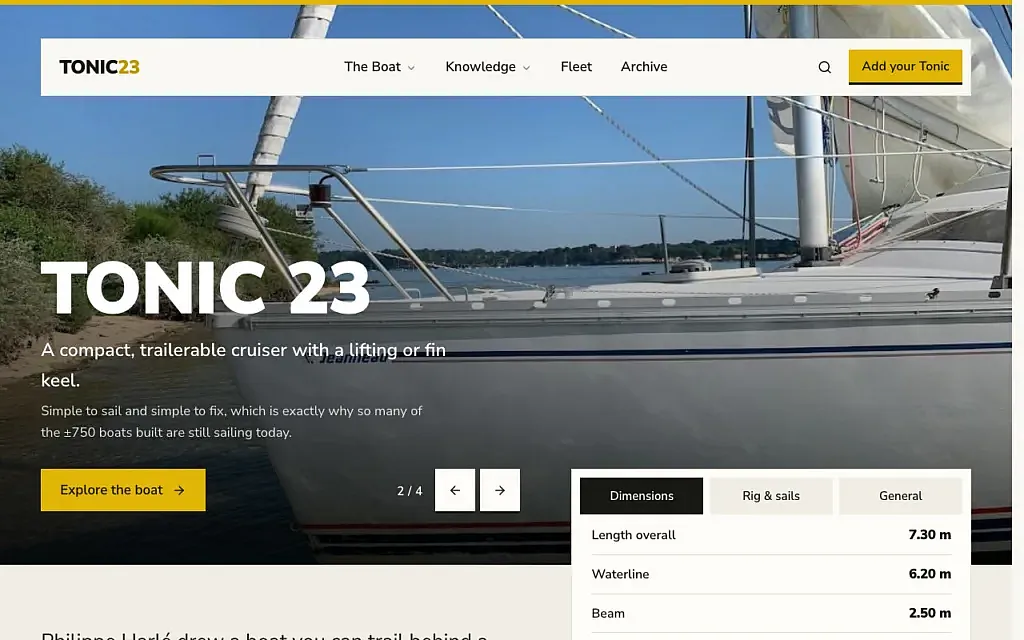
Tonic23 WordPress · PHP · Tailwind · Alpine.js · Vite · Docker
- Alpine.js
- PHP
- Tailwind
- GSAP
- Vite
- Docker
How I work
Clear decisions, short loops and something real to react to.
-
Find the actual need
Before choosing a stack, I clarify the goal, the user and the smallest version worth building.
-
Build the right amount
I choose the simplest stack that fits, then move quickly into something real enough to test and improve.
-
Refine the experience
Responsive behaviour, subtle motion, accessible choices, readable code and a clear CMS turn a working build into a finished product.
Questions
What I often hear about it.
-
A page builder loads code for everything it can do, including what the site never uses. A theme of its own holds only what is needed, which saves loading time and keeps the admin clear.
-
Yes. The admin is set up around the content. In the portfolio of Thijs Veldwisch he puts his projects together in the editor himself, from a fixed set of media layouts.
-
I choose the simplest stack that fits. If it is about content someone manages themselves, WordPress is often enough. If it is a product with accounts and logic of its own, I would rather build it in Next.js.
-
Yes. A theme of its own with Tailwind and Vite, no page builder, built the way this page describes.
-
Not by itself. It gets slow from what is stacked on top: a page builder, heavy plugins, large images. With a theme of its own and one small stylesheet there is little left to slow it down.
-
Yes. This site is in English and Dutch. Every translation is a page of its own with its own fields and its own address, and the two point to each other.
Which stack when
I choose the simplest one that fits.
| Stack | When |
|---|---|
| WordPress | Content someone manages themselves: a site, a portfolio, a blog. |
| Expo | Something you carry with you and that has to remind you: an app. |
| Next.js | A product with accounts, logic of its own or a lot of interaction. |
| Laravel | An application with users, permissions and a lot of data. |